Skip to content

How to Check if Your Antivirus Is Really Working!!

    If your antivirus stops working and you don’t notice, a virus could infect your computer with ransomware, spyware, or other malware that steals data, damages files, or compromises your entire system.

    Here’s a step-by-step guide to help you check if your antivirus is truly protecting your computer:-

    1. Use the EICAR Test File (Safe Method)

    Steps:

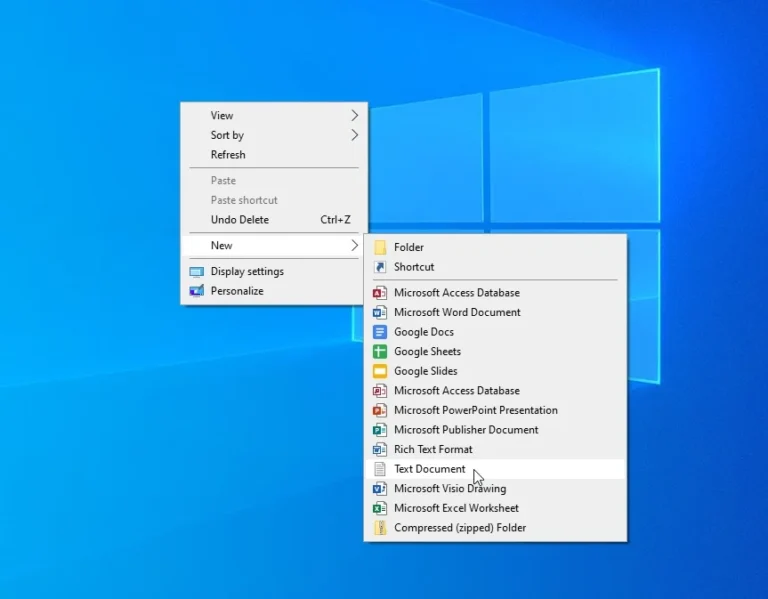
    •   Create Text File.
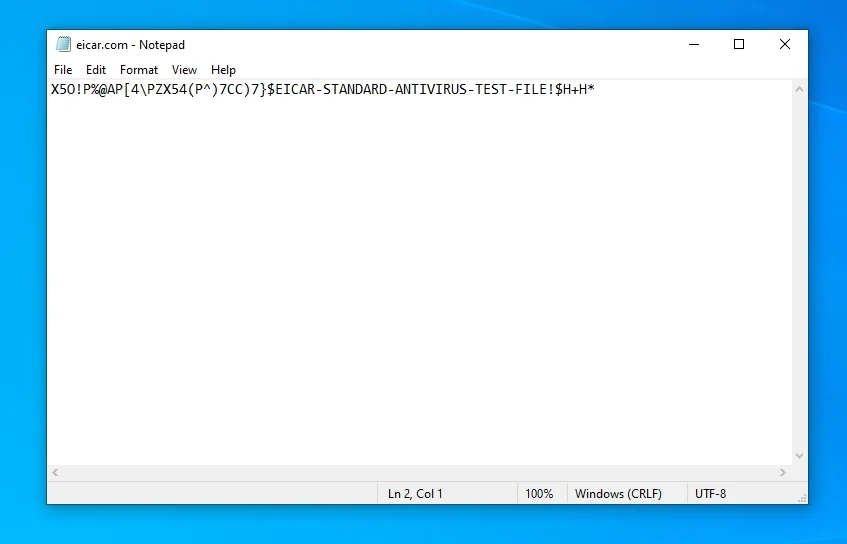
    • Copy and paste the following string into the file:

    X5O!P%@AP[4\PZX54(P^)7CC)7}$EICAR-STANDARD-ANTIVIRUS-TEST-FILE!$H+H*

    The string is a signature—just like a fingerprint—that antivirus software is explicitly programmed to detect. It’s harmless.

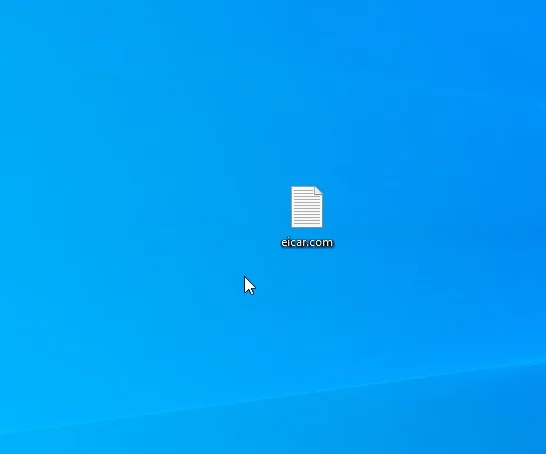
    • Save the file as eicar.com.
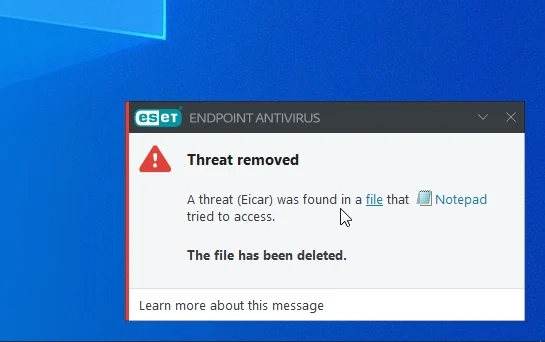
    • Your antivirus should immediately detect and block the file

    If your antivirus detects and blocks the EICAR test file, this means your antivirus is working properly and its real-time protection is active.

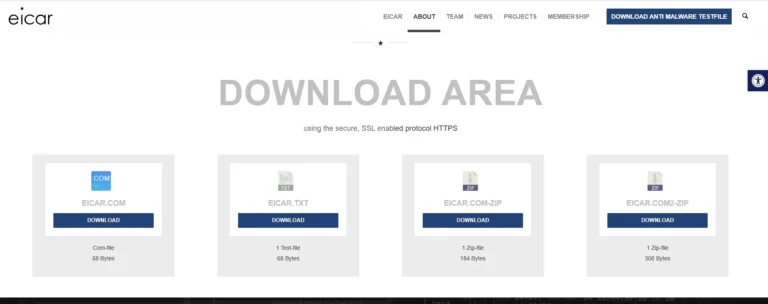
    2. Downloading the EICAR File from the Official Site

    •  Visit the official EICAR site and try downloading the file: Download here
    • Your antivirus should block the download or alert you immediately. This means your antivirus is working properly and real-time protection is active.