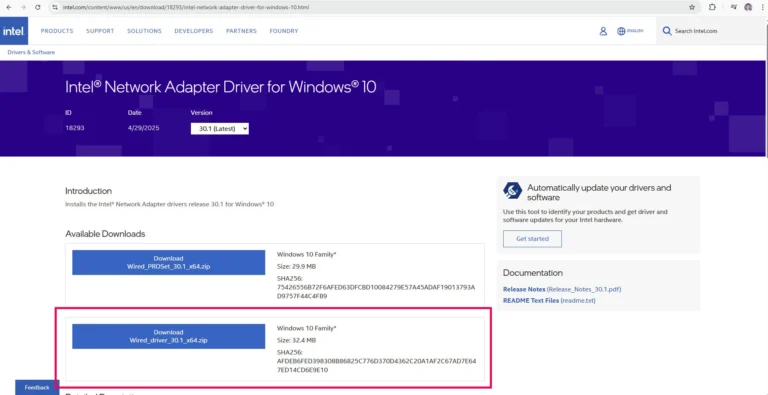
Use another PC or laptops download driver – Download
Transfer drive via USB drive
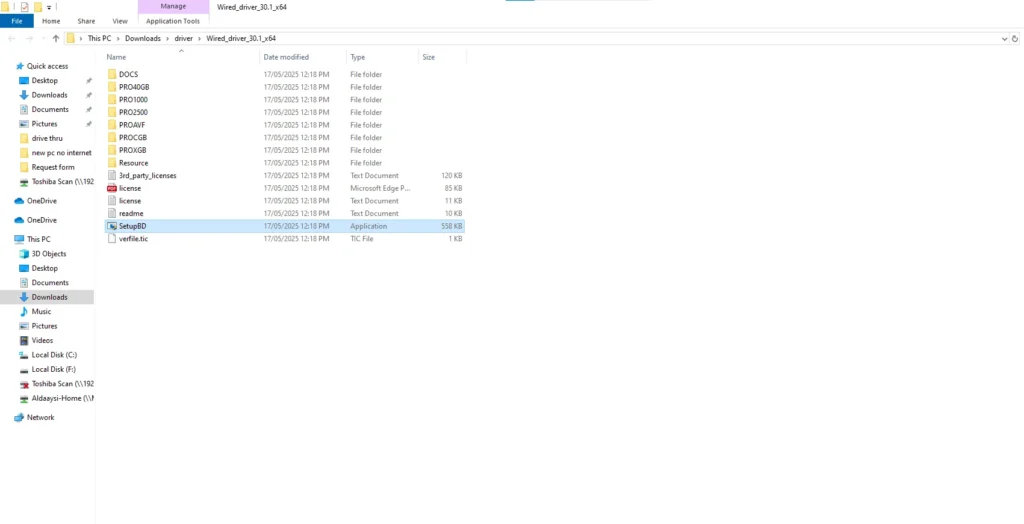
Install driver on your new PC
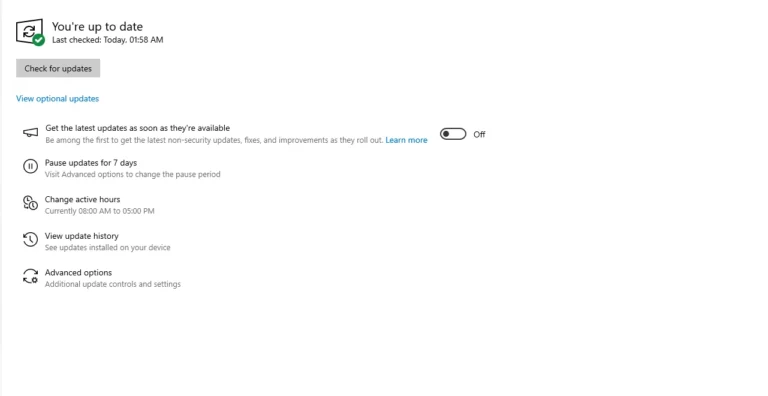
Connect ethernet and update Windows – auto installs Wi-Fi adapter.
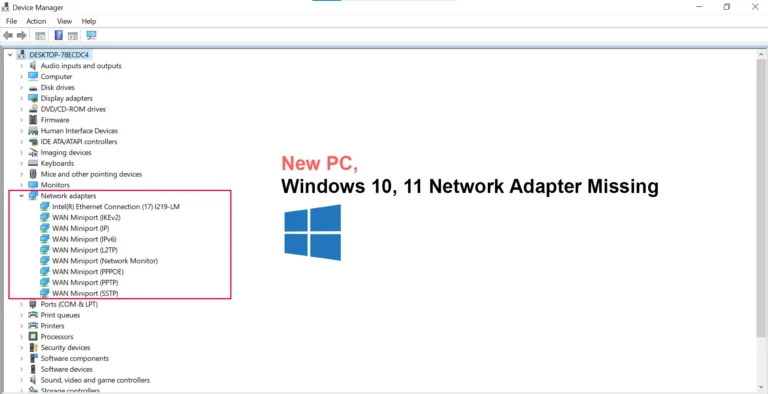
The Problem: A New PC Without Internet You’ve just unboxed your shiny new PC, powered it on, and started the setup… only to realize there’s no internet connection. That’s when it hits you — your new desktop doesn’t have a built-in network adapter.
Why Some PCs Don’t Have Wi-Fi Built In Unlike laptops, many desktop PCs don’t come with Wi-Fi adapters pre-installed. Manufacturers often leave them out to cut costs, assuming users will use Ethernet. Don’t worry —. Let’s walk through what’s going on and how you can fix it.
1. Get Online With Ethernet Connection.
1. Use Another Device to Transfer Drivers
Use another PC or laptop to download the network drivers. – Download
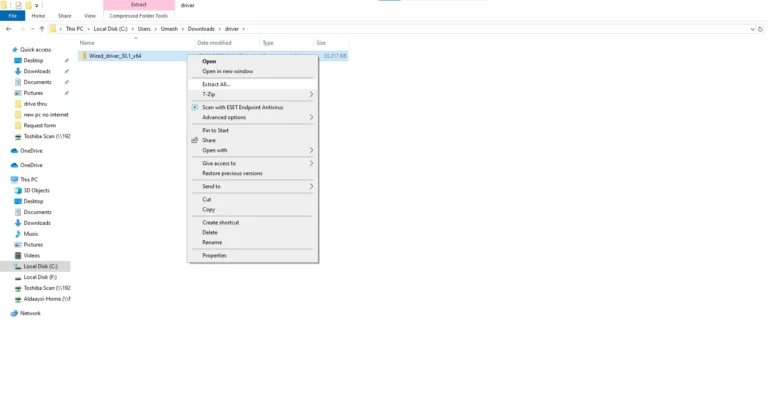
Extract the zip File.
Transfer driver- Extracted Folder via USB drive.
Install driver on your new PC
2. Use an Ethernet Cable to install Wifi Driver
Connect your PC directly using an Ethernet cable. (follow after done above steps)
After successfully connecting internet via Ethernet, Update the Window to auto install Wi-Fi Driver